MIT · Zero telemetry
Stop digging through DevTools.
Identify any web font, find free Google Fonts alternatives, and get copy-paste code — from your terminal or through Claude.
~/ $ wtfont analyze vercel.com

Identify any web font, find free Google Fonts alternatives, and get copy-paste code — from your terminal or through Claude.
That’s the workflow for every font on every site. Inspect the CSS, search the name, verify the license, find a free alternative. wtfont does all of it once and hands back copy-paste code.
Pick whichever fits what you’re doing.
Add to Claude Desktop config (Settings → Developer → Edit Config):
{
  "mcpServers": {
    "wtfont": {
      "command": "npx",
      "args": ["-y", "wtfont", "mcp"]
    }
  }
}Restart Claude, then ask: “What fonts does vercel.com use?”
One global install, then run any command:
$ npm install -g wtfont
$ wtfont analyze vercel.com
Also: bun install -g wtfont · pnpm add -g wtfont
Both paths require Node.js.
Three real conversations with the MCP interface.
"What fonts does stripe.com use? Recommend free alternatives."
"Stripe uses Söhne, a commercial geometric sans-serif. Inter is the closest free alternative (humanist proportions, similar x-height). Want me to generate Next.js code?"
"Scan this project and tell me which fonts are commercial."
"Found 2 fonts: Inter (free) and Proxima Nova (commercial, used in 3 files). Consider replacing Proxima Nova with Plus Jakarta Sans — similar geometric style."
"Inter on body — suggest a heading font and show me side by side."
"Fraunces pairs well — classic serif/sans contrast. I opened a comparison in your browser. What do you think?"
All queries run locally. No data leaves your machine.
wtfont runs as a local MCP server. Same JSON config across most clients.
$ claude mcp add --scope user \
    --transport stdio wtfont \
-- npx -y wtfont mcpSettings → Developer → Edit Config
{
  "mcpServers": {
    "wtfont": {
      "command": "npx",
      "args": ["-y", "wtfont", "mcp"]
    }
  }
}Settings → Tools & Integrations → New MCP Server (same JSON as Desktop)
{
  "mcpServers": {
    "wtfont": {
      "command": "npx",
      "args": ["-y", "wtfont", "mcp"]
    }
  }
}Edit ~/.codeium/windsurf/mcp_config.json (same JSON as Desktop)
{
  "mcpServers": {
    "wtfont": {
      "command": "npx",
      "args": ["-y", "wtfont", "mcp"]
    }
  }
}Command Palette → MCP: Add server → stdio → npx -y wtfont mcp
extract_fonts — detect fonts on a websitelookup_google_font — Google Fonts DB checklist_google_fonts — browse by categorycompare_fonts — side-by-sidepair_fonts — heading suggestionsgenerate_font_code — framework codepreview_fonts — open in browserscan_project_fonts — audit usageHit a config error? Copy the exact message and paste it into Claude — it’ll walk you through the fix.
From detection to copy-paste code.
Static parsing in ~1 second. Playwright for SPAs when you need it. Each font shows its role, source, weights, and whether it's free.
wtfont analyze vercel.com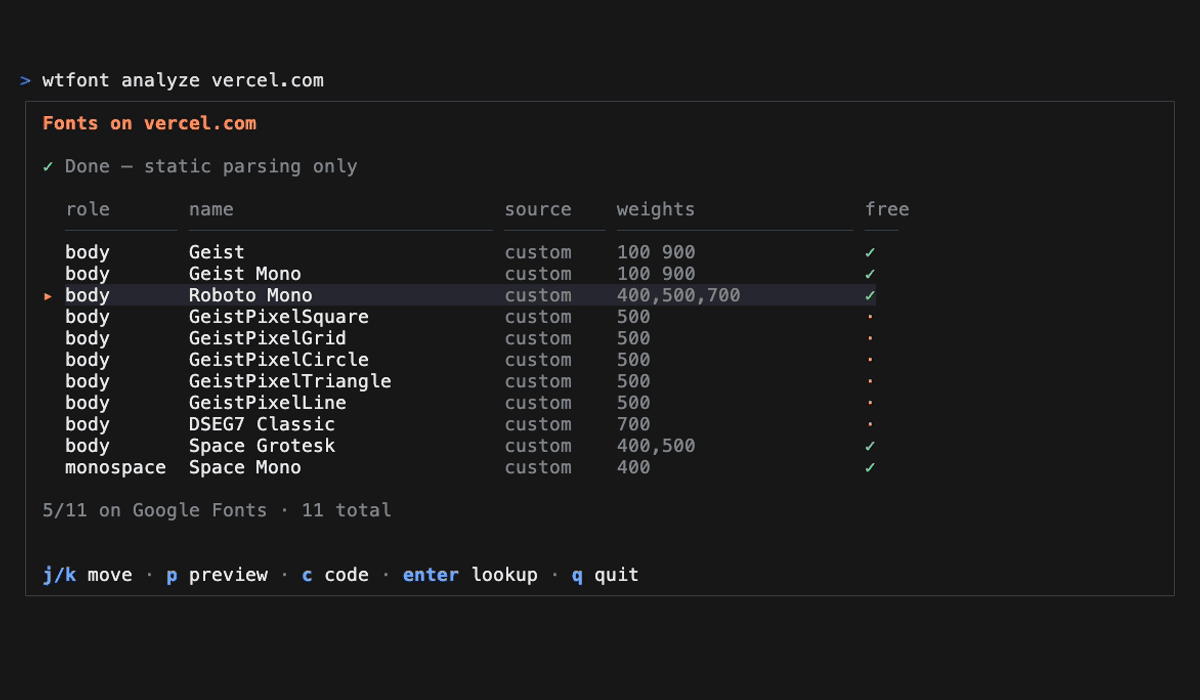
Pick a font. Get a snippet for html, nextjs, nuxt, or react — weights, fallback, and import included.
wtfont code Inter --framework nextjs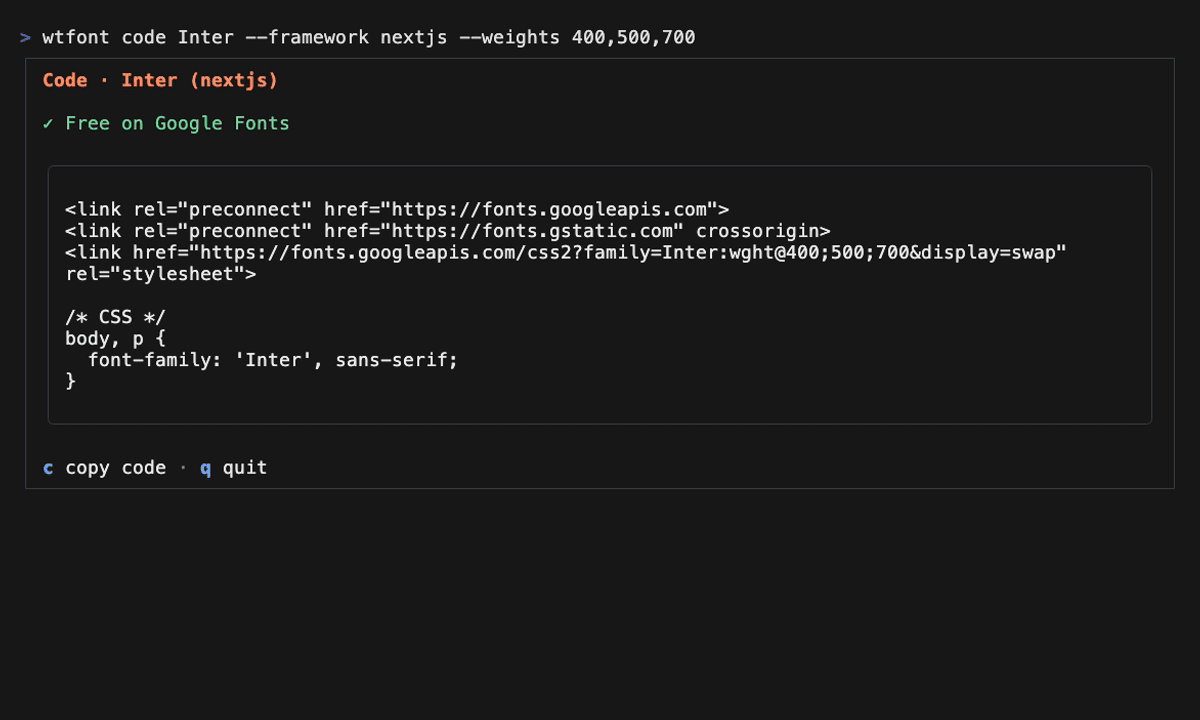
Curated Google Fonts candidates with a reason for each. Open a side-by-side compare page in your browser.
wtfont pair Inter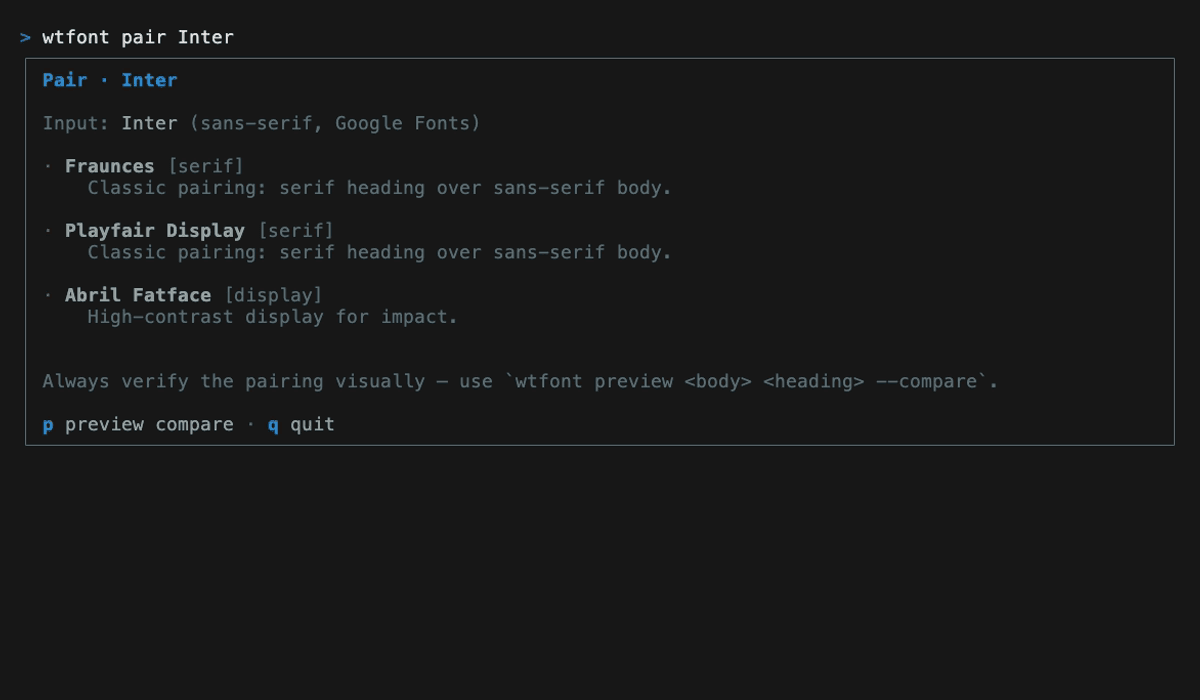
Walks your repo and finds every font-family usage. See which are free, which are commercial, and where they live.
wtfont scan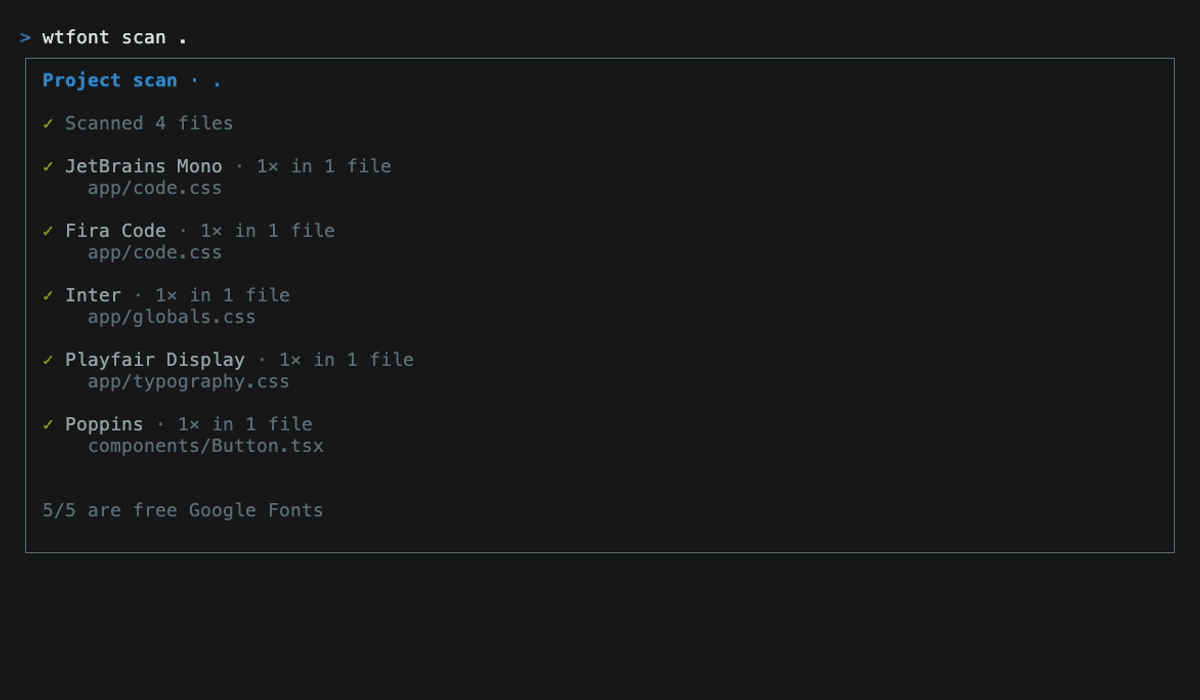
wtfont analyze acts as a hub — navigate results and take action without leaving:
| Key | Action |
|---|---|
| j/k or ↑/↓ | Move cursor |
| c | Code view for selected font (copy with c inside) |
| enter | Lookup view for selected font |
| p | Open preview in browser |
| esc | Back to list |
| q | Quit |
The same j/k navigation works in browse, history, and favorites.
Pipe into any tool. Great for scripts and CI.
wtfont analyze vercel.com --format json | jq '.fonts[] | select(.isFree == false) | .name'
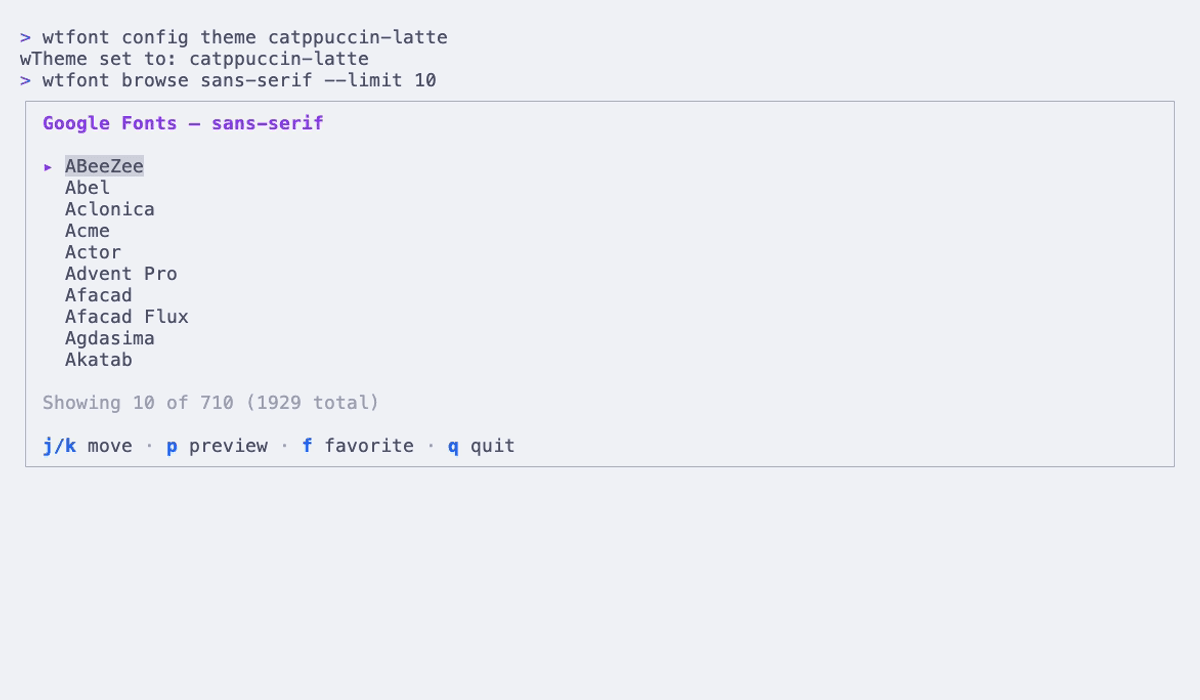
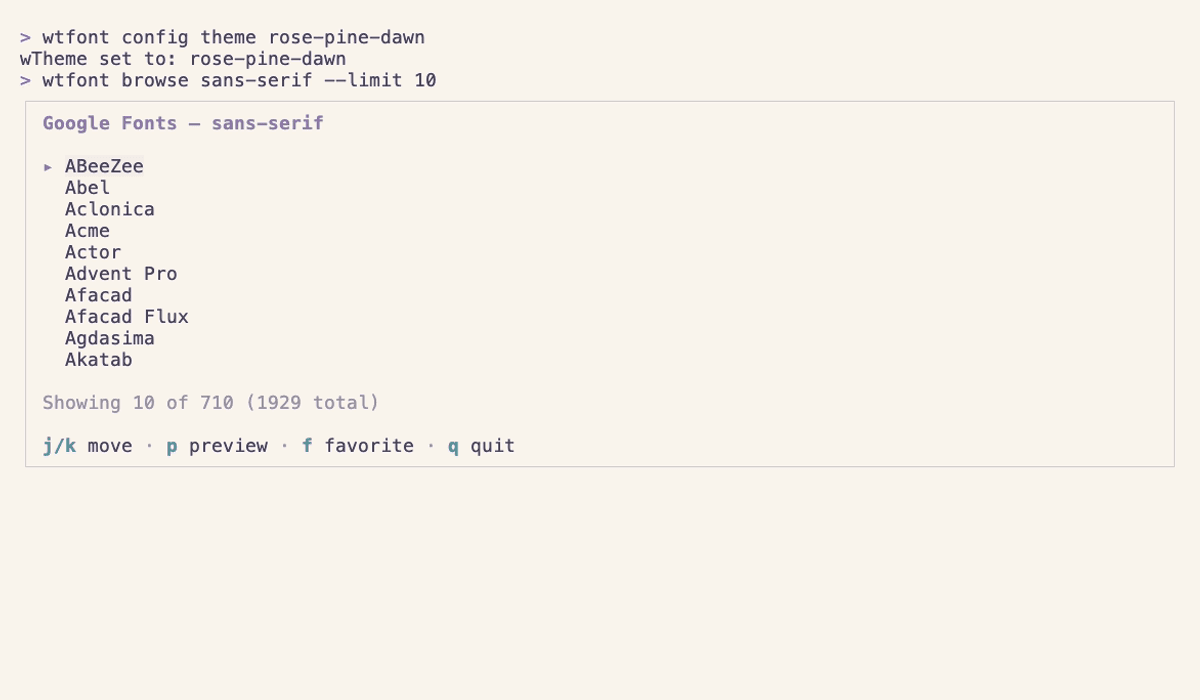
Default is shown throughout this page. Six alternatives below. Switch with wtfont config theme <name>.
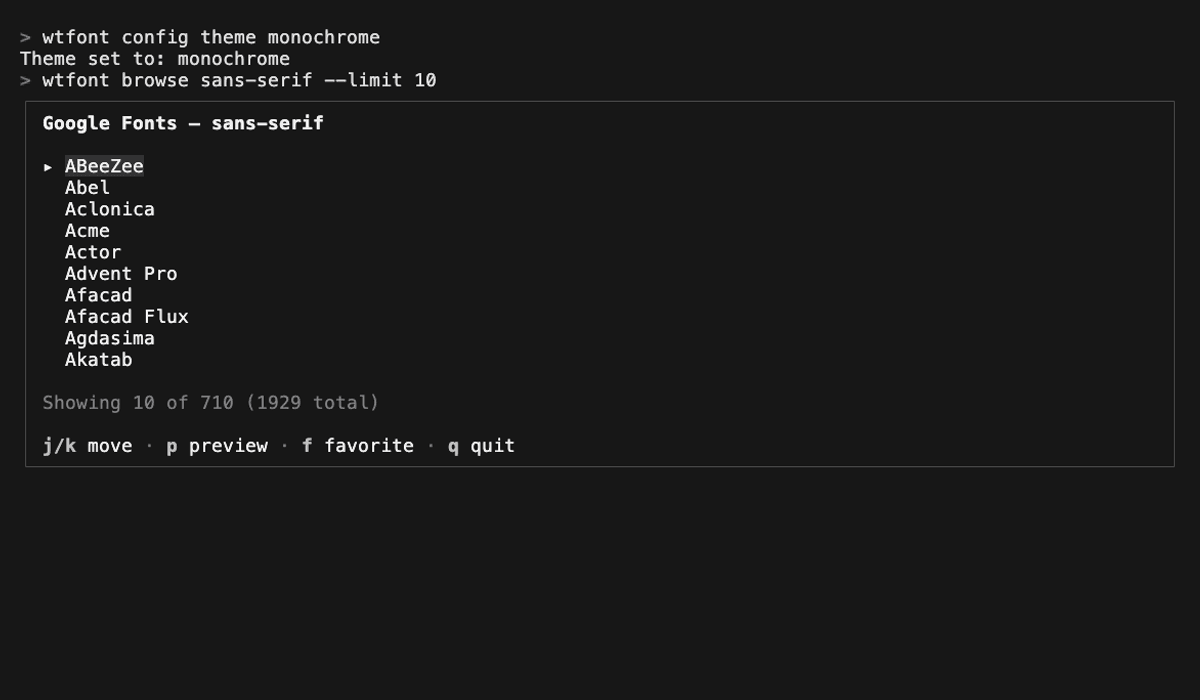
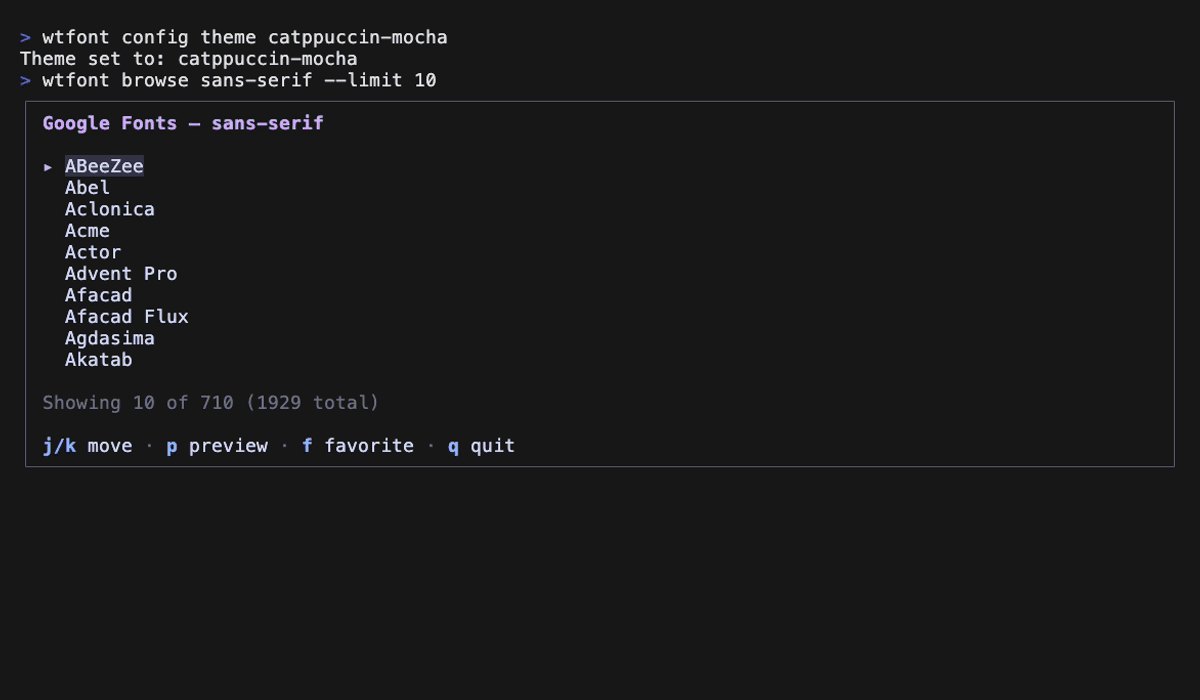
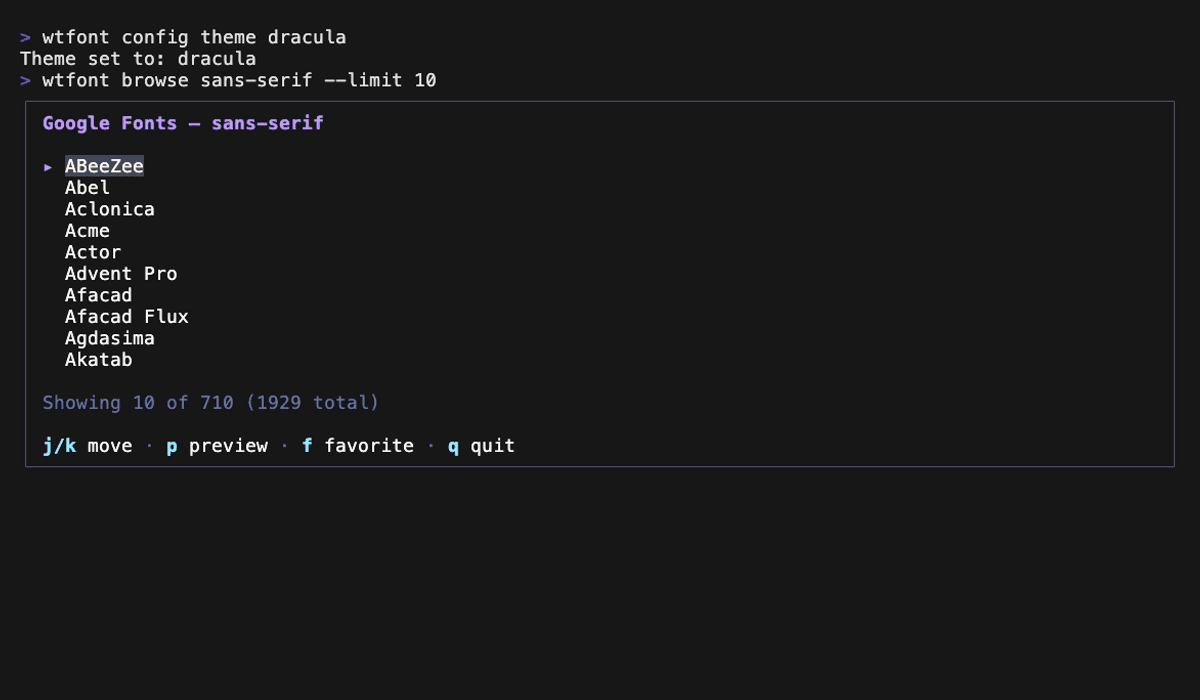
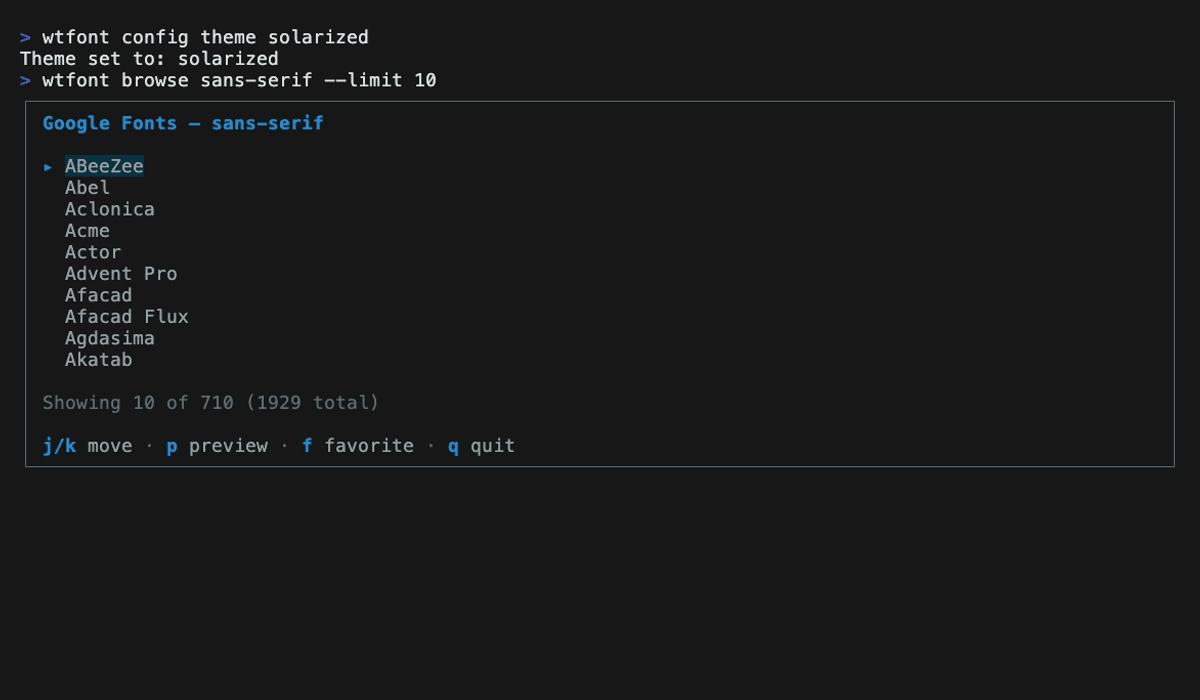
wtfont only makes network calls to the website you analyze and to fonts.googleapis.com. No telemetry, no remote servers.
No HTTP listener, no network port, no cross-process access.
Refuses plain http://, including at every redirect hop. SSRF guard validates every URL against private and reserved ranges.
Every release tarball is cryptographically signed via GitHub Actions. Verify with npm audit signatures.